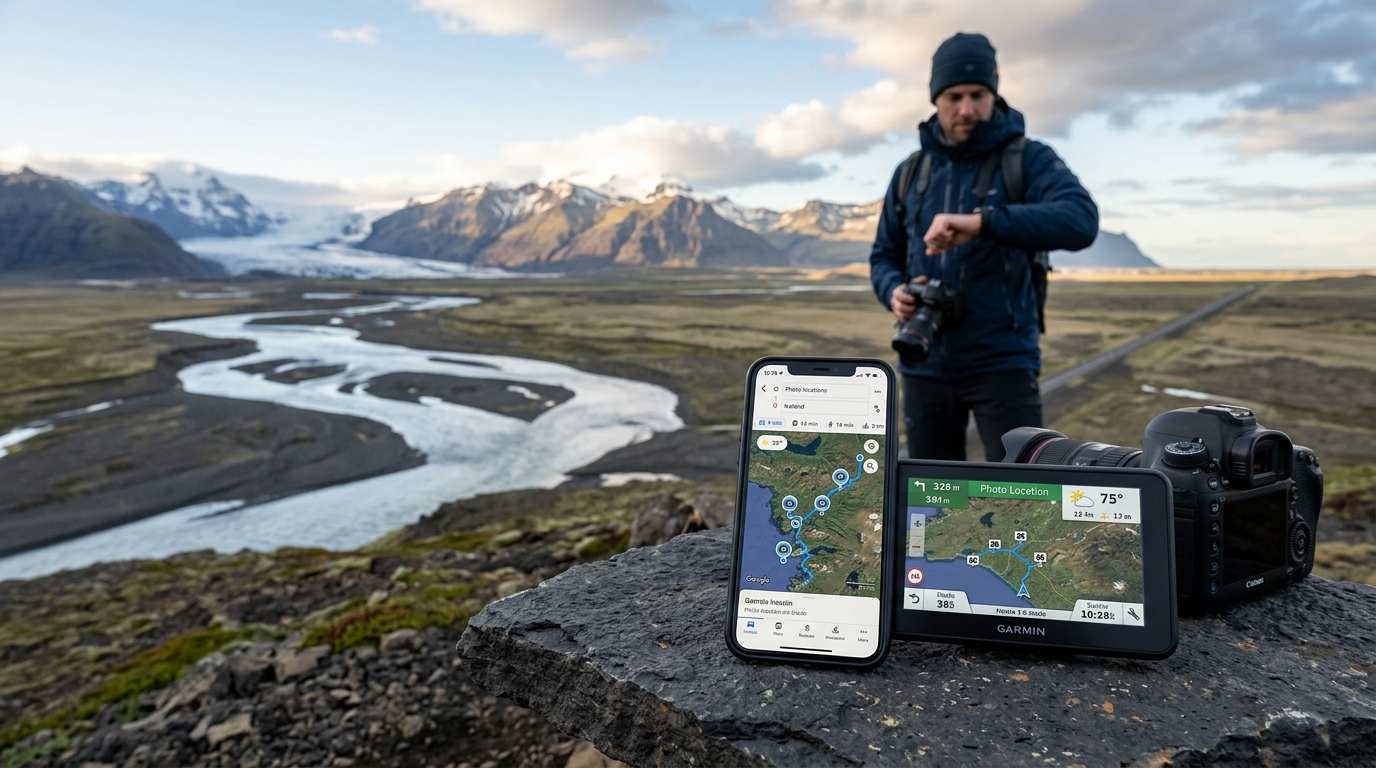
Iceland is a landscape of extremes. From the black sand beaches of the dramatic South Coast to the raw, volcanic expanses of the Highlands, it offers some of the most spectacular vistas on Earth. However, capturing these scenes requires more than just a high-end camera and a sturdy tripod. The volatile weather, rapidly shifting light, and challenging terrain mean that having the best photography apps for Iceland installed on your smartphone is absolutely essential for a successful, safe, and productive trip.
This resource breaks down the ultimate digital toolkit for planning, navigating, and executing your dream shoot in 2026. Whether you are chasing the elusive Northern Lights, timing the perfect sunset over a remote waterfall, or navigating rugged mountain tracks, these specialized tools will help you maximize your time in the field and keep your gear—and yourself—safe.
---Why You Need Specialized Travel Photography Apps in Iceland
Planning a photography trip to Iceland is fundamentally different from planning a shoot anywhere else in the world. The island’s unique geography, situated just below the Arctic Circle and surrounded by the North Atlantic Ocean, creates environmental conditions that can catch even seasoned outdoor photographers off guard. Relying on standard, generic travel tools is a recipe for missed opportunities, ruined gear, or dangerous situations.
Navigating Extreme Microclimates
Iceland’s weather is famously unpredictable. The collision of warm Gulf Stream air with cold Arctic air masses creates highly localized microclimates. It is entirely common to experience clear skies, a blinding blizzard, gale-force winds, and torrential rain all within a single afternoon—and often within a 20-mile radius. Standard weather forecasting apps simply cannot resolve these rapid, localized pressure changes. Specialized travel photography apps Iceland-bound creatives rely on are designed to track these microclimates in real-time, allowing you to pivot your plans and drive toward clear skies rather than getting rained out.
Challenging Daylight Dynamics
Because of Iceland's high latitude, daylight hours fluctuate dramatically throughout the year. In June, during the height of the Midnight Sun, the sun barely dips below the horizon, resulting in golden and blue "hours" that can last for half the night. Conversely, in December, you may only have four hours of weak, low-angle twilight. Planning a shoot during these extremes requires precise calculations. You need to know exactly when the light will hit the face of a mountain, when the shadows will swallow a canyon, or when the sky will be dark enough to reveal the stars.
The Reality of F-Roads and Remote Highlands
If your photographic goals include remote locations like the Fjallabak Nature Reserve or the deep valleys of the Westfjords, you will be navigating Iceland’s mountain roads, known as F-roads. These unpaved dirt tracks are open only during the summer months, require a high-clearance 4WD vehicle, and often involve crossing unbridged, glacial rivers. Cellular service in these areas is spotty at best and completely non-existent at worst. To navigate safely and find specific, off-the-beaten-path compositions, robust offline mapping tools are a strict requirement.
By integrating dedicated apps into your daily workflow, you eliminate the guesswork. Instead of hoping for good conditions, you can actively track storms, calculate precise solar alignments, monitor auroral activity, and navigate safely to remote coordinates without cellular data.
---The Best Photography Apps for Iceland: Weather and Safety First
In Iceland, safety and photography are intrinsically linked. A storm that ruins your composition can also easily blow your car door off its hinges or strand you on an icy mountain pass. Therefore, the most critical tools in your digital arsenal are those dedicated to real-time weather tracking and safety monitoring. When looking for the best photography apps for Iceland, these two local platforms must be at the very top of your list.
1. Veður (The Icelandic Meteorological Office App)
Developed by the Icelandic Meteorological Office (IMO), Veður is the absolute authority on local weather. While global weather apps rely on coarse global forecasting models (like GFS or ECMWF) that fail to account for Iceland’s mountainous terrain, Veður uses the HARMONIE high-resolution regional model specifically tuned to the island's topography, which you can monitor on the official Icelandic Meteorological Office (IMO) website.
The app provides highly detailed, hour-by-hour forecasts for wind speed, wind direction, precipitation, and temperature. For photographers, the wind forecast is arguably the most important feature. Icelanders measure wind speed in meters per second (m/s). Understanding this scale, as detailed by the Icelandic Meteorological Office, is vital for protecting your gear and your vehicle:
- 0 to 10 m/s: Light to moderate breeze. Perfect for shooting, though you may need a sturdy tripod at the upper end of this range.
- 11 to 16 m/s: Strong winds. Tripods must be weighted down. Changing lenses outdoors is highly discouraged due to airborne dust, volcanic sand, and moisture. Water spray from waterfalls like Seljalandsfoss will travel far downwind, coating your lens elements instantly.
- 17.2 to 24.4 m/s: Gale to strong gale-force winds. At this point, opening your vehicle doors facing into the wind can bend them backward, causing thousands of dollars in damage (an expense not covered by standard rental insurance). Handheld shooting is nearly impossible, and flying gravel can strip the paint off your car or scratch your front lens elements.
- 24.5 m/s and above (55+ mph): Storm force and higher. Driving becomes incredibly hazardous, especially for campers and campervans. Road closures are highly likely. Stay indoors and do not attempt to shoot.
2. SafeTravel Iceland
Operated by the Icelandic Association for Search and Rescue (ICE-SAR), SafeTravel Iceland is an indispensable app for real-time safety alerts. It provides immediate notifications regarding active volcanic eruptions, glacial floods, extreme weather warnings, and road closures.
One of its most valuable features for landscape photographers is the ability to submit a travel plan. If you are venturing into remote areas—such as hiking to the basalt-framed Aldeyjarfoss waterfall in winter or exploring the Highlands—you can log your route and expected return time. If you do not check back in and cannot be reached, ICE-SAR will initiate a search using your exact logged GPS coordinates.
Standard navigation apps like Google Maps do not update quickly enough when roads are closed due to snow drifts, mudslides, or high river levels. Before starting your engine, always cross-reference your route with SafeTravel Iceland and the official road condition portal, road.is, to ensure your path is open and safe to traverse.
---Aurora Forecasting: Tracking the Northern Lights
For many photographers, capturing the green, purple, and crimson ribbons of the Aurora Borealis dancing across the Icelandic night sky is the ultimate goal. However, witnessing the Northern Lights requires three factors to align perfectly: solar activity, darkness, and clear skies. To track these variables in real-time between September and April, you need specialized forecasting apps.
1. Hello Aurora
Hello Aurora is a highly recommended, community-driven app designed specifically for tracking the Northern Lights in Iceland. While traditional apps rely purely on mathematical solar wind models, Hello Aurora integrates real-time crowdsourced reports.
If a user on the Reykjanes Peninsula or near Vík spots the aurora, they can instantly pin their location and rate the visibility. This sends a push notification to nearby users, allowing you to quickly hop in your car and drive to a spot where the lights are actively visible. The app also features clean, easy-to-read overlays showing real-time cloud cover, temperature, and current magnetic field activity.
2. My Aurora Forecast & Alerts
For a deeper dive into the science of solar activity, My Aurora Forecast is an excellent tool. It tracks key metrics that indicate the likelihood of an auroral storm:
- The Kp Index: A scale from 0 to 9 used to measure geomagnetic activity. While a KP 1 or 2 is often sufficient to see the aurora in Iceland due to its high latitude, a KP 5 or higher indicates a geomagnetic storm, which can produce vibrant, fast-moving displays directly overhead.
- Solar Wind Speed: Measured in kilometers per second (km/s). Normal speeds hover around 400 km/s. When high-speed streams from coronal holes reach 500 to 800 km/s, the aurora becomes significantly brighter and more dynamic.
- The Bz Component: This refers to the north-south direction of the Interplanetary Magnetic Field (IMF). For the solar wind to efficiently transfer energy into Earth's magnetosphere, the Bz must point south (indicated by a negative number in nanoteslas, such as -5 nT or lower). If the Bz is strongly positive, even a high KP index may result in a quiet, faint display.
The Veður Cloud Cover Trap
When planning an aurora hunt, the biggest mistake tourists make is misinterpreting the Aurora Forecast page on the Veður website or app. The page features a map shaded in varying intensities of green. Crucially, green on the Veður map represents cloud cover, NOT the aurora.
White areas on the map indicate clear skies, while dark green indicates thick, low-altitude clouds. To see the Northern Lights, you must find the white (clear) or light green (high, thin clouds) areas on the map. Driving toward the dark green sections will guarantee you are standing under a solid blanket of clouds, completely blocking your view of the sky.
Sun, Moon, and Milky Way Planning
In landscape photography, light is everything. Understanding how the sun and moon will interact with the dramatic topography of Iceland is the difference between an average snapshot and a portfolio-worthy masterpiece. Two apps stand out as industry standards for pre-visualizing these alignments.
1. PhotoPills
PhotoPills is widely considered the ultimate Swiss Army knife for outdoor photographers. Its powerful "Planner" module allows you to place a pin anywhere in Iceland and calculate the exact direction of the sun, moon, and Milky Way at any given minute of any day of the year.
For example, if you want to photograph the sun setting directly behind the sea arch at Dyrhólaey, or align a full moon directly above the steeple of the iconic Búðakirkja black church, PhotoPills will tell you exactly where you need to stand and what time you need to press the shutter. It also calculates depth of field, hyperfocal distances, and star trail durations.
2. The Photographer's Ephemeris (TPE)
While PhotoPills is fantastic for general planning, The Photographer's Ephemeris (TPE) excel at showing how light interacts with rugged, three-dimensional topography. TPE features advanced terrain maps that calculate how mountains and ridges cast shadows over nearby valleys.
This is incredibly useful when shooting deep canyons, such as Fjaðrárgljúfur, or steep waterfalls tucked away in basalt amphitheaters. By using TPE, you can determine if a canyon floor will be cast in deep shadow during golden hour, or if the sun is high enough to illuminate the rushing water, helping you choose the perfect window of time for your shoot.
Planning for Extreme Daylight Shifts
When utilizing these apps, you must adjust your creative approach based on the season of your visit:
| Season | Daylight Hours | Photographic Strategy |
|---|---|---|
| Summer (June) | 24 Hours (Midnight Sun) | Golden "hour" lasts for hours from 11:00 PM to 3:00 AM. Sleep during the day and shoot at night to avoid crowds at popular spots. |
| Equinox (Sept/March) | 12 Hours | Standard shooting schedule. Great balance of daytime landscape shooting and dark night skies for aurora chasing. |
| Winter (December) | 4 Hours | The sun never rises high in the sky, creating a continuous, low-angle golden hour. Be ready to shoot the entire time the sun is up. |
Augmented Reality (AR) Pre-Visualization
Both PhotoPills and TPE offer Augmented Reality (AR) features. When standing at a location, you can hold your phone up and look through the camera screen to see a 3D overlay of the sun or moon's path directly across the sky. This is invaluable when arriving at a new spot during midday; you can instantly see exactly where the sun will dip behind a mountain range later that evening, allowing you to compose your shot hours in advance.
---Navigation and Offline Mapping: Finding Remote Photo Spots
Finding your way around Iceland’s Ring Road is relatively straightforward, but locating specific composition points, trailheads, and hidden vistas requires precise navigation. Because cellular coverage can drop completely in deep fjords, canyon floors, and the vast interior Highlands, relying on an active internet connection for navigation is a major risk.
The Critical Role of Offline GPS Maps
To ensure you never get lost, you must use an Iceland GPS map app that supports fully offline routing. Google Maps allows you to download offline regions, which is highly recommended. However, for hiking trails, dirt tracks, and remote topographical details, Maps.me or Organic Maps (which utilize open-source OpenStreetMap data) are often superior. These apps display small footpaths, river crossings, and contour lines that Google Maps frequently omits.
Before leaving your accommodation or departing on your trip, download the entire map of Iceland offline. This ensures that even in the middle of a Highland desert with zero cell service, your phone's internal GPS chip will still accurately plot your location on the map.
Using a Dedicated Iceland Photo Spots App
While general navigation maps will get you from town to town, they do not tell you where to park, where the trail starts, or where the best vantage points are for photographing Iceland's waterfalls and geological formations. This is where a specialized Iceland photo spots app or interactive directory becomes your most powerful asset.
Generic travel pins on Google Maps often lead tourists to private roads, dangerous cliffsides, or the wrong side of a deep river. A dedicated, curated photography map provides exact GPS coordinates for:
- The precise parking areas (many of which now require digital toll payments via local apps like Parka.is).
- The exact trailhead locations to prevent trampling on delicate, protected Icelandic moss.
- The specific coordinates of the best photographic vantage points, taking the guesswork out of scouting in harsh weather.
By importing custom GPS coordinates directly into your offline navigation workflow, you can safely navigate directly to lesser-known locations, avoiding the crowds and capturing unique perspectives of this incredible island.
---How to Use the Best Photography Apps for Iceland in Your Daily Workflow
To maximize your efficiency and safety, your apps should not be used in isolation. Instead, combine them into a structured, daily workflow. Here is how a professional landscape photographer utilizes the best photography apps for Iceland over a typical 24-hour cycle in the field.
08:00 AM – The Morning Safety & Weather Check
Before you pack your camera bag or start your vehicle, open SafeTravel Iceland and Veður. Look for active weather warnings. If there is a yellow or orange wind alert for the region you plan to visit, adapt your schedule immediately. Check the road conditions on road.is to ensure your planned route is open and free of black ice or deep snow drifts. If everything is clear, log your travel plan with SafeTravel if you are heading into remote areas.
11:00 AM – Midday Scouting and Light Planning
As you arrive at your first location, open PhotoPills. Use the AR view to see where the sun will be positioned later in the afternoon. If you are shooting a waterfall, determine if it will be backlit (creating harsh glare and lens flare) or front-lit (bringing out the rich blues and greens of the glacial water). Use this information to prioritize which locations on your list to shoot now and which to save for later in the day.
04:00 PM – Navigating to Sunset and Golden Hour Spots
Open your offline mapping tool, such as Maps.me, alongside your custom photography coordinates. Navigate safely to your chosen sunset location, ensuring you park only in designated areas. Use the precise coordinates to hike directly to the best vantage point, saving precious light that would otherwise be wasted wandering around looking for a composition.
07:00 PM – Evening Aurora Assessment
If you are traveling during the northern lights season, your evening routine is critical. Open the Veður cloud cover map. Analyze the low, mid, and high-altitude cloud layers. Look for gaps in the clouds (white areas on the map) within a reasonable driving distance. Next, open My Aurora Forecast to check the solar wind speed, density, and the Bz magnetic orientation. If the solar wind is active and the Bz is pointing south, prepare your gear.
10:00 PM – The Night Hunt
Drive to your chosen clear-sky location. Keep Hello Aurora open to monitor real-time user sightings in your area. If a nearby user reports active green arches, you know your calculations were correct. Set up your pre-focused camera on your tripod, adjust your exposure settings,